01
Bring your context
Add links, notes, images, and text or code files. Choose the resources that matter for your question.
Start your libraryOriginal sources, ready for your own notes.
Build your libraryLive from Hugging Face Papers and OpenRouter. Dates are source publication or catalog dates.
Save a URL, capture its text, and bring selected linked pages into the same research.
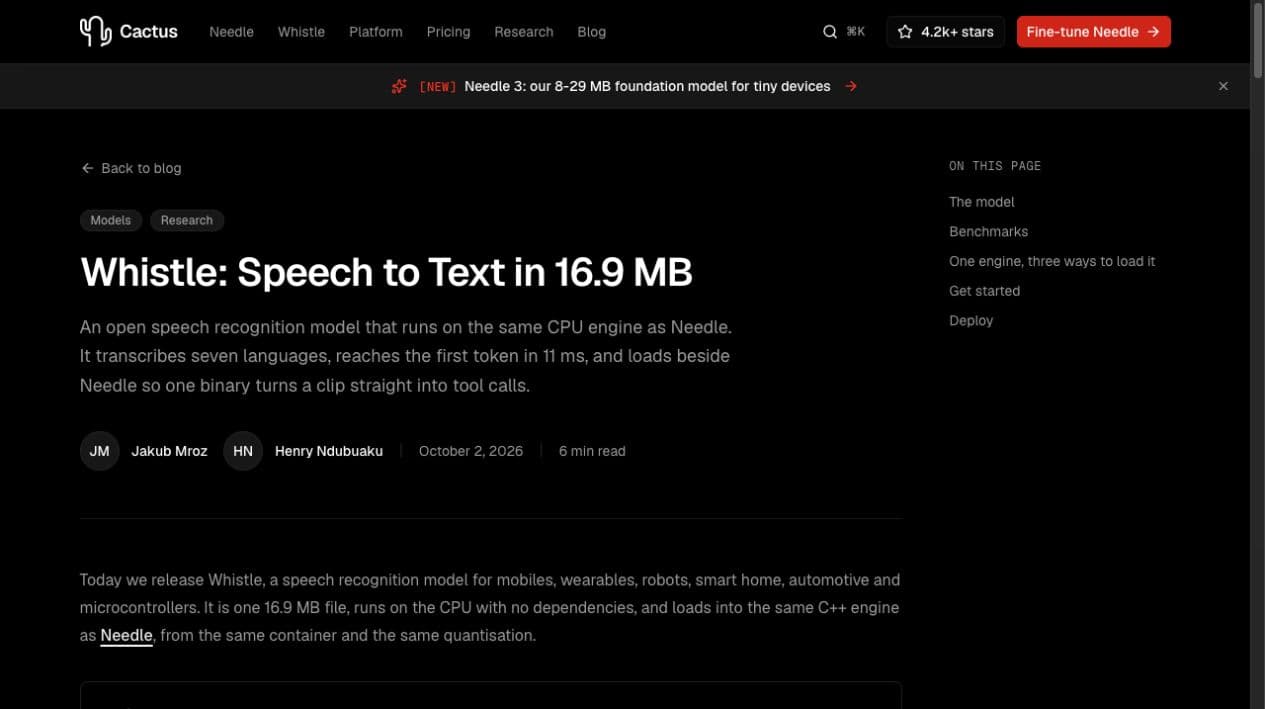
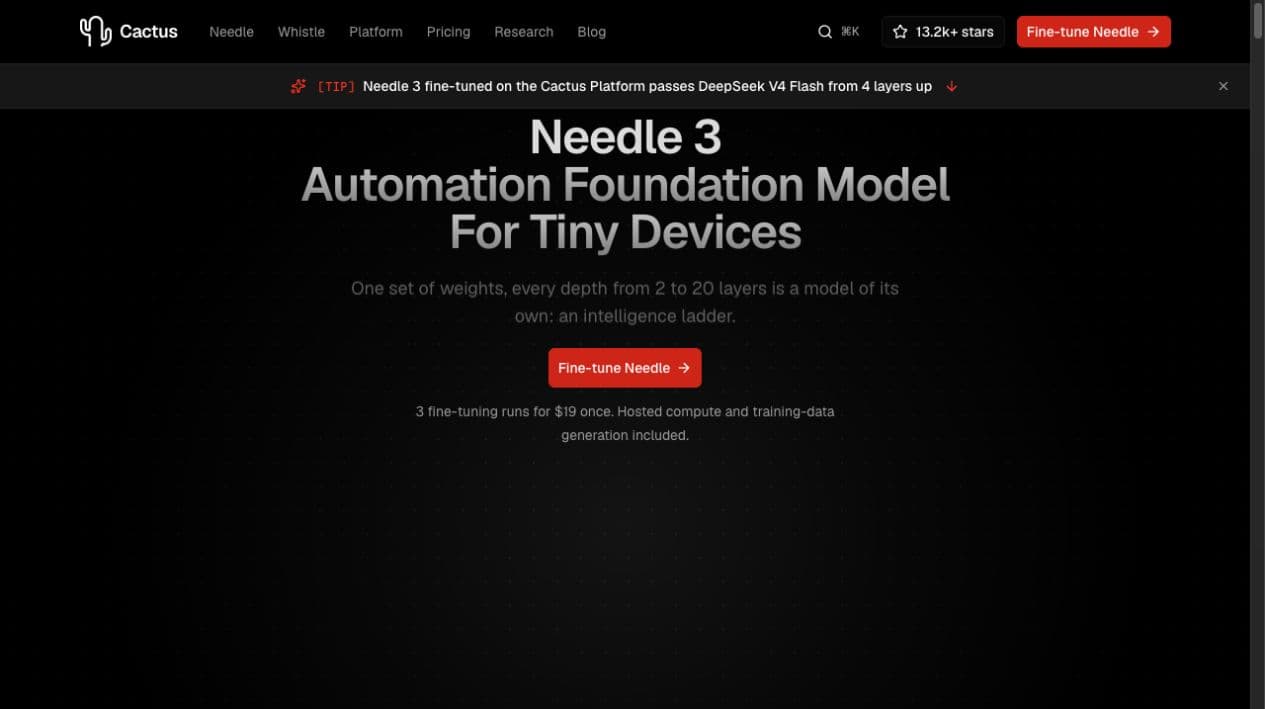
Original images, page screenshots, and video thumbnails stay connected to their source URL, creator, and capture date.
Add your first source
Examples are separate from your library.
Search the full source text, your notes, and uploaded files in one library.
Keep your own observations next to the reference. Open a saved resource to read its source, edit its notes, and prepare a draft.
Open your libraryAdd links, notes, images, and text or code files. Choose the resources that matter for your question.
Start your librarySign in, open Settings, and choose an available free model. The agent uses the workspace’s configured OpenRouter connection.
Open workspaceThe Eve agent can search saved knowledge, read sources, and save references. Use that context for an editable draft you can review.
Open the workspaceFree models depend on OpenRouter availability and rate limits. After signing in, saving notes and searching your library are available before you connect a model.
A new library starts empty. The source captures and editable note on this page are examples, and are never added to your library automatically.
Yes. Sign in or create an account to access your library, saved sources, files, and agent. Each account has its own private workspace.
When you choose to follow links, selected linked pages become separate connected resources. Each keeps its own source URL and source text.
Yes. Drafts are editable. Keep the source attached, check the original context, and revise the text before you use it.